
Parametrised models.
Without the coding.

 Codaform
Model your components visually using familiar CAD tools. Define dimensions and parameters, then export Python components to Plant 3D™—without writing a line of code.
Start trialConnect dimensions and rules in one visual graph. Change a value and let the connected geometry follow.
Set conditions, reuse values and keep the relationships behind your component visible.
Read the Parameter Graph guideOur engine automatically converts your designs into Python code, ready to export to Plant 3D™. Your parameters come with them: variables, if-else rules, ports and other component logic are automatically generated and included.
Export also supports tables of different sizes and automatic export to Plant 3D™ specifications, with options to generate thumbnails and technical drawings.
Explore Plant 3D™ exportBring compatible Python components created outside Codaform into your workspace. Adjust their parameters without rebuilding the component from scratch.
Keep the component you already have. Make it editable and carry on.
Explore Python importYou own 100% of the code generated from the designs that you create in Codaform.
Components and generated code are for internal business use only and may not be sold to third parties. Terms
Build an internal library of generated Python components and maintain it within your organisation, without relying on specialist scripting knowledge.
A closer look
Reproduce the component you already use. Set its dimensions, connect its parameters and define its ports for Plant 3D™.
Videos play silently while in view. You can pause them at any time. With reduced motion or data saving enabled, choose Play video to start.
Orbit a component to inspect its shape and connections.
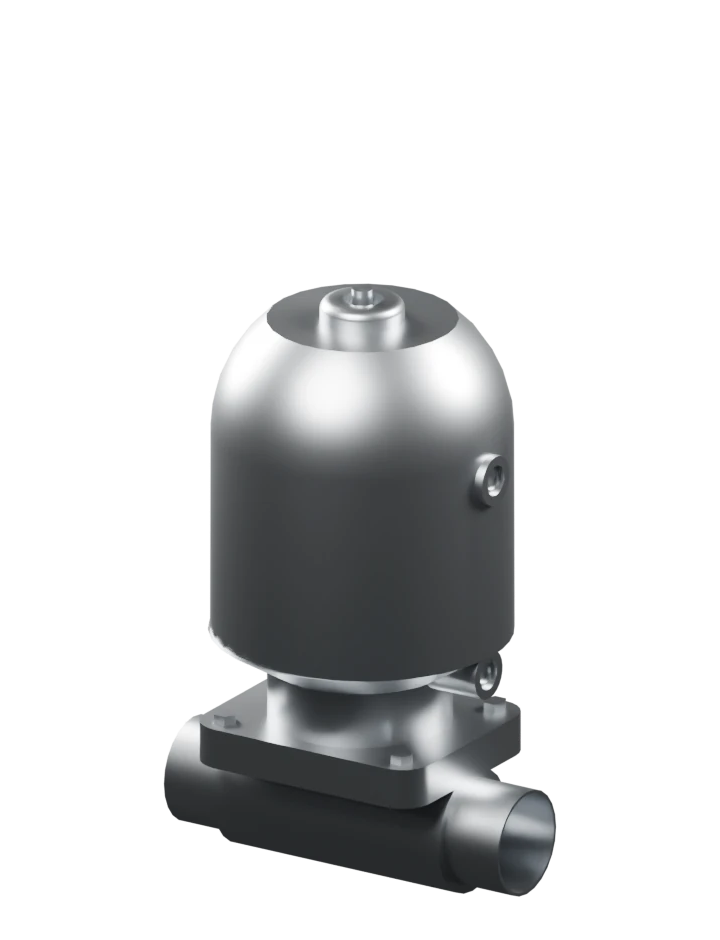
A 3D valve component rotates in the Codaform workspace, showing its body, mounting geometry and connection points.
Change dimensions to match the component and its available sizes.
Component parameters are edited in Codaform to demonstrate how connected values change a model.
See how connection ports are placed on a component.
The recording demonstrates adding connection ports to a valve component in Codaform.
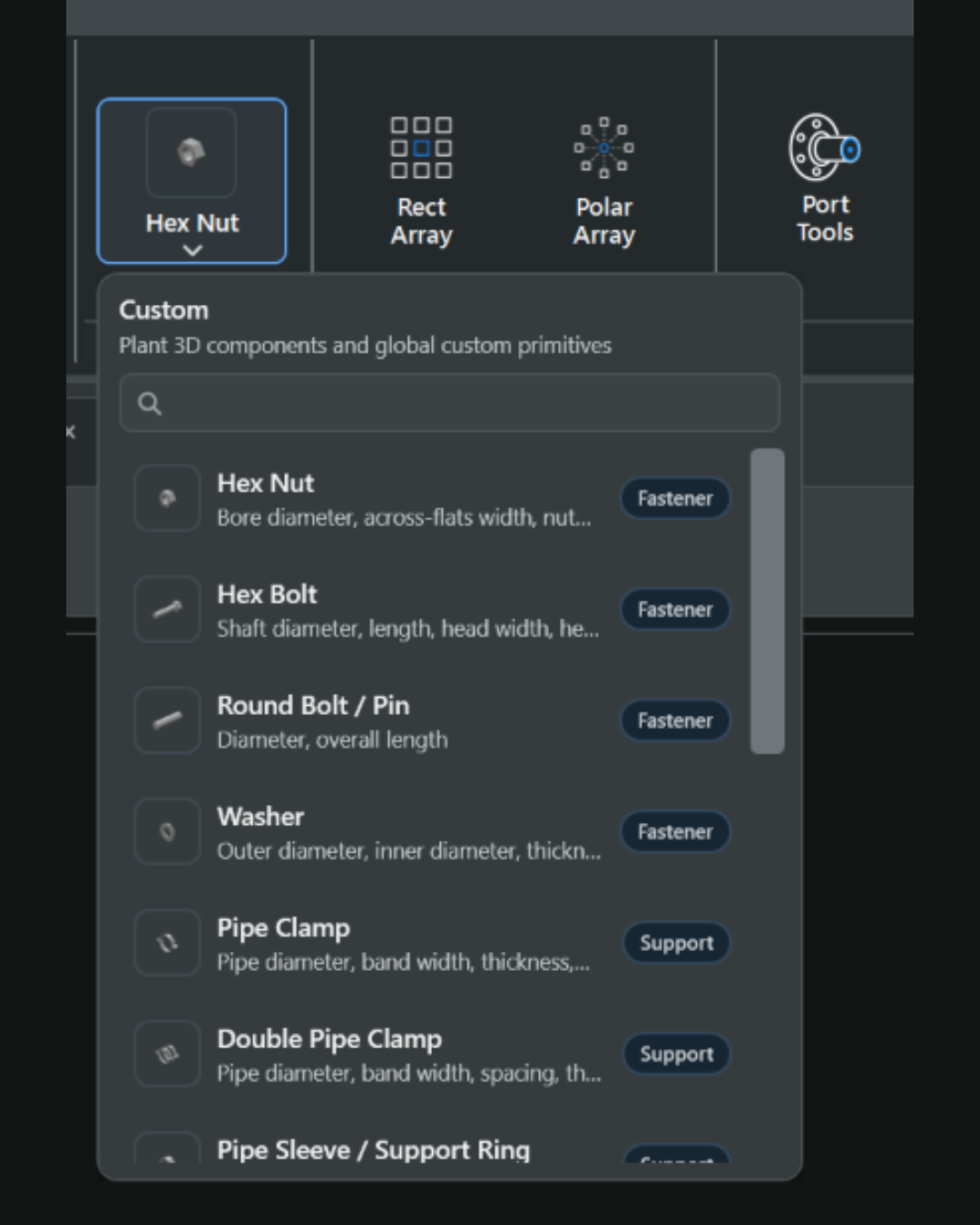
Familiar CAD tools, carefully chosen for component modelling. A focused workspace keeps the tools within reach and the interface clear.
Explore the Designer tools


Custom components
Three generated component families. The same geometry in STEP and parameterised Python. Download the files and check the numbers yourself.
Generated demonstration, not a customer benchmark. These are source and component-library sizes, not measured Plant 3D™ project sizes. Python totals include the size table.
Bolted flange · 10 sizes · Uncompressed files

Both bars use the same linear scale. 1 kB = 1,000 bytes. ZIP sizes are measured separately.
| File | Exact size |
|---|
One size and ten independently stored STEP variants, compared with one Python definition and the relevant size table.
| Component | STEP · 1 size | Python + CSV · 1 size | STEP · 10 sizes | Python + CSV · 10 sizes |
|---|
The STEP files were generated with CadQuery / Open CASCADE from the same geometry functions used by the Python examples. All 30 solids were reopened and checked for valid geometry, matching volume and matching bounding boxes. No filler data was added.
Each comparison counts the exact uncompressed bytes of its STEP files against one Python source per family plus its CSV parameter table. ZIP comparisons use DEFLATE level 9 on both sides. Shared software runtimes are excluded from both sides.
These are illustrative dimensions, not manufacturer parts or a pressure-rated catalogue. The examples are not measured Codaform exports. The Python sources use Plant 3D™-style APIs and have not been tested inside Plant 3D™. The CSV is comparison data, not a ready-to-use Plant 3D™ catalogue.
Source-file savings do not establish DWG size, memory use or loading speed. Repeated placements may reuse geometry in either format. STEP assembly instancing is not tested here. Actual projects and exporter settings need their own measurements.
Build and maintain your own component library. Reuse the generated code across projects and reduce your dependence on external component suppliers.
Model your actual products as configurable Plant 3D™ components. Use dimensions and size tables to cover your product range.
Components and generated code are for internal business use only and may not be sold to third parties.
Contact Codaform